Join our community
Subscribe for exclusive style insights and exciting offers.


Applied Fast Charge Protocols: USB PD
Brand Name: NONE
Certification: RoHS,CE
Choice: yes
GaN: Yes
High-concerned chemical: None
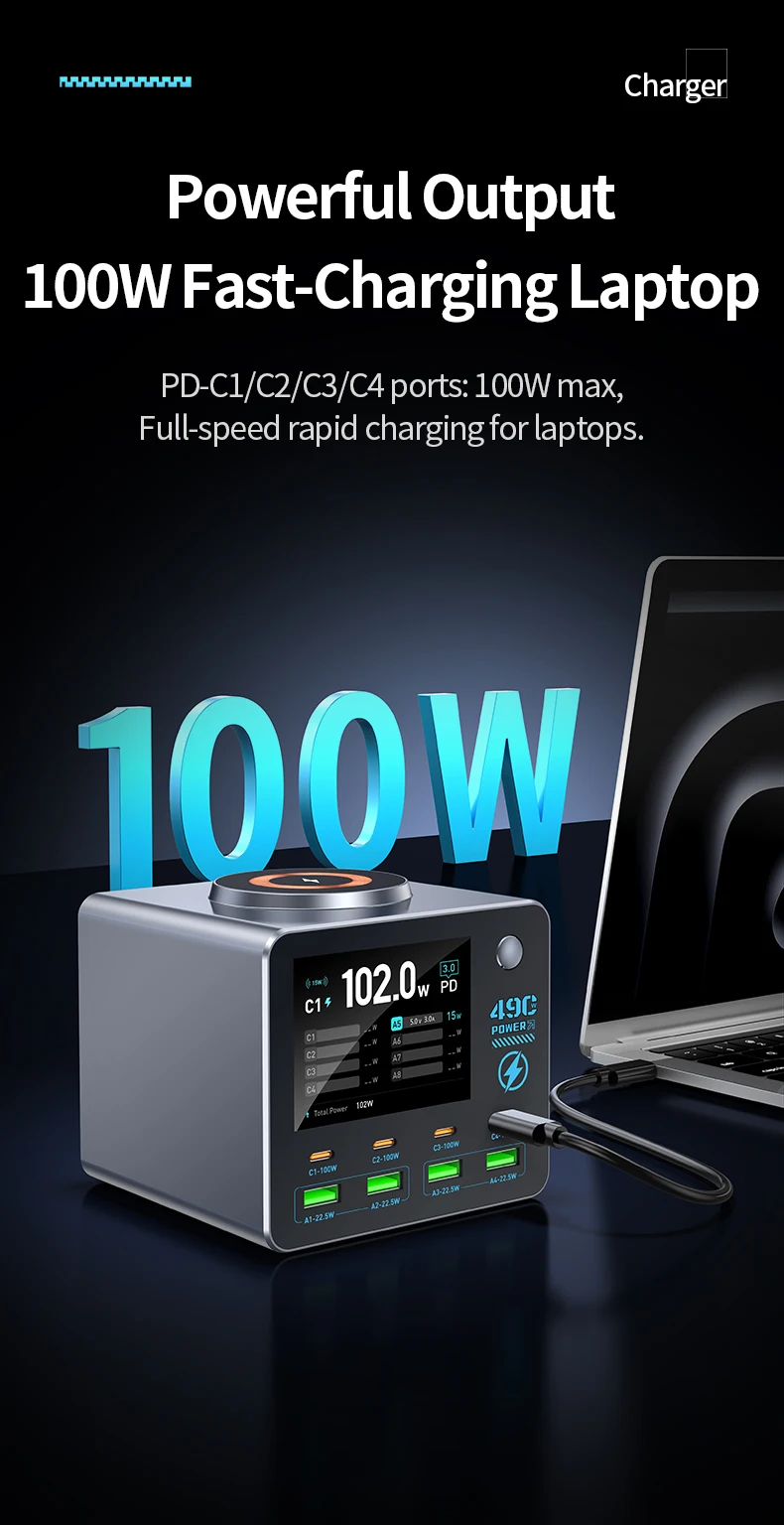
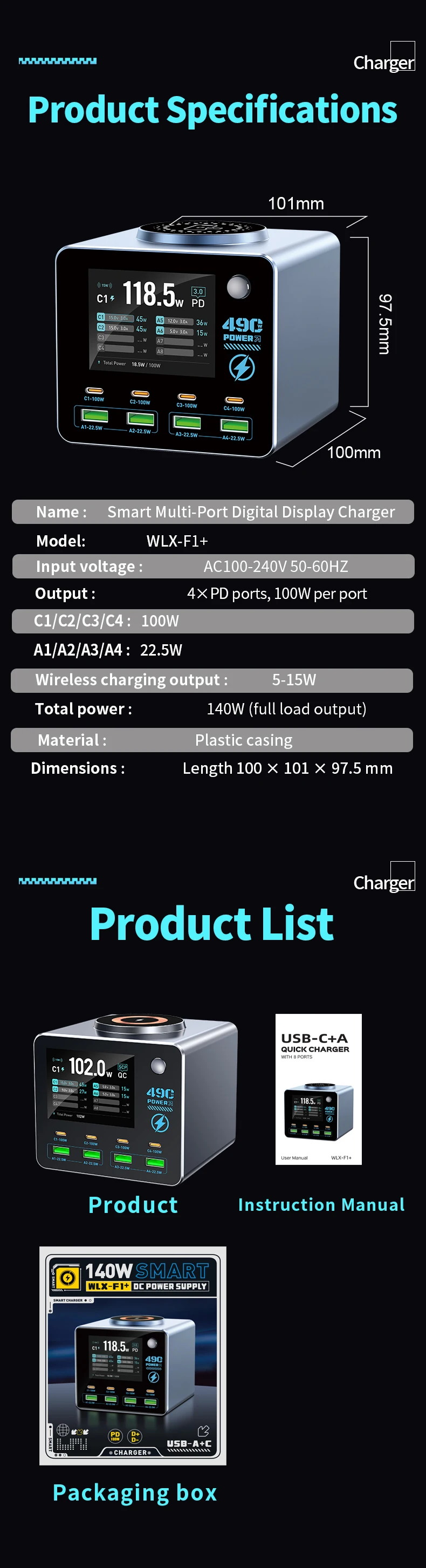
Max. Output Power: 100W
Origin: Mainland China
Output Interface: USB,Type C
Type: Quick charger
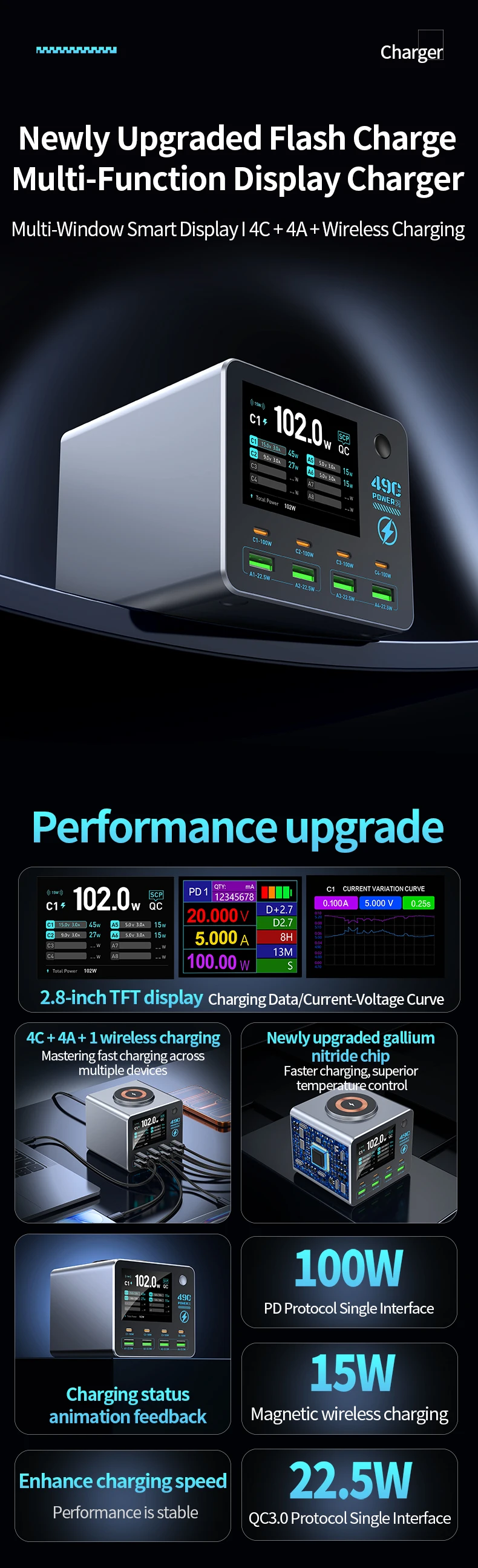
140W Smart Digital Multi-Port Charger 4C4A Wireless Charging for Smartphones Tablets And More - Fast Charging Hub
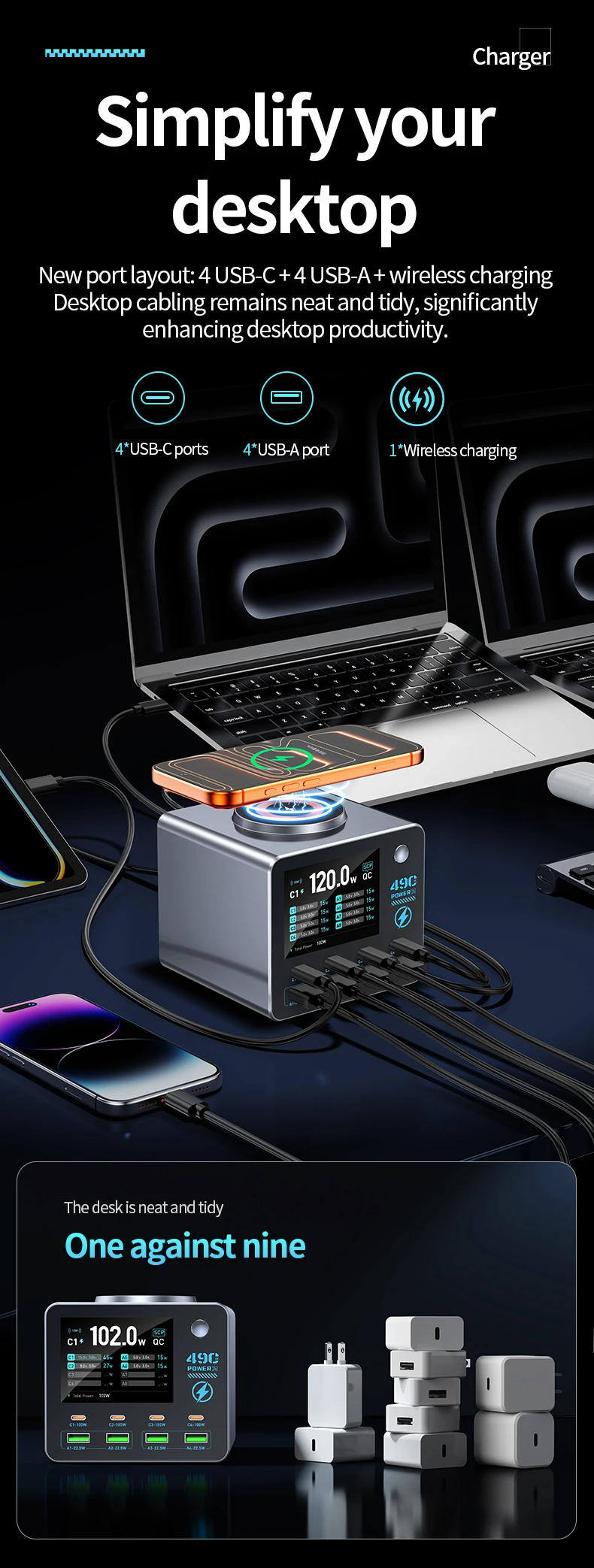
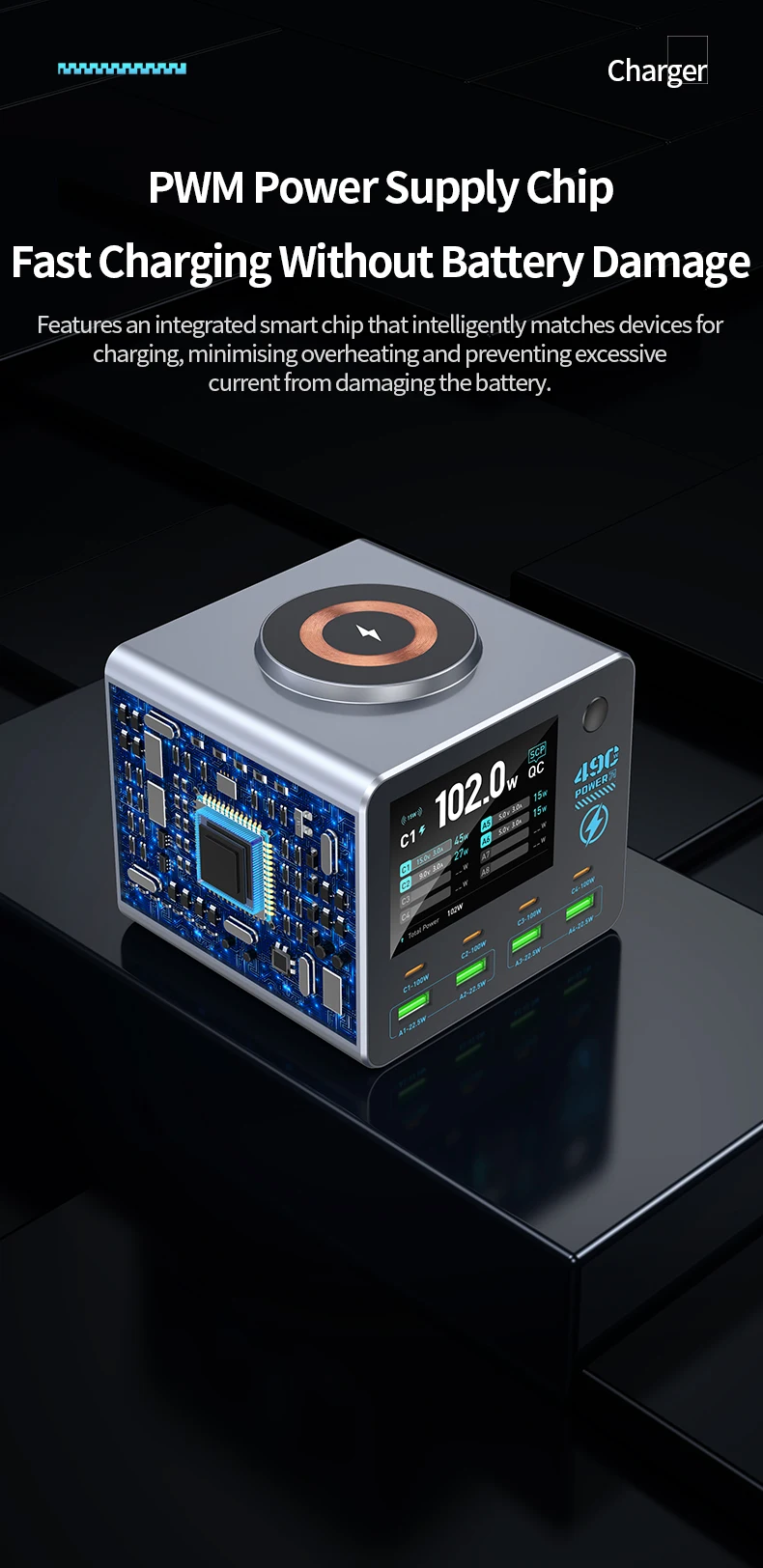
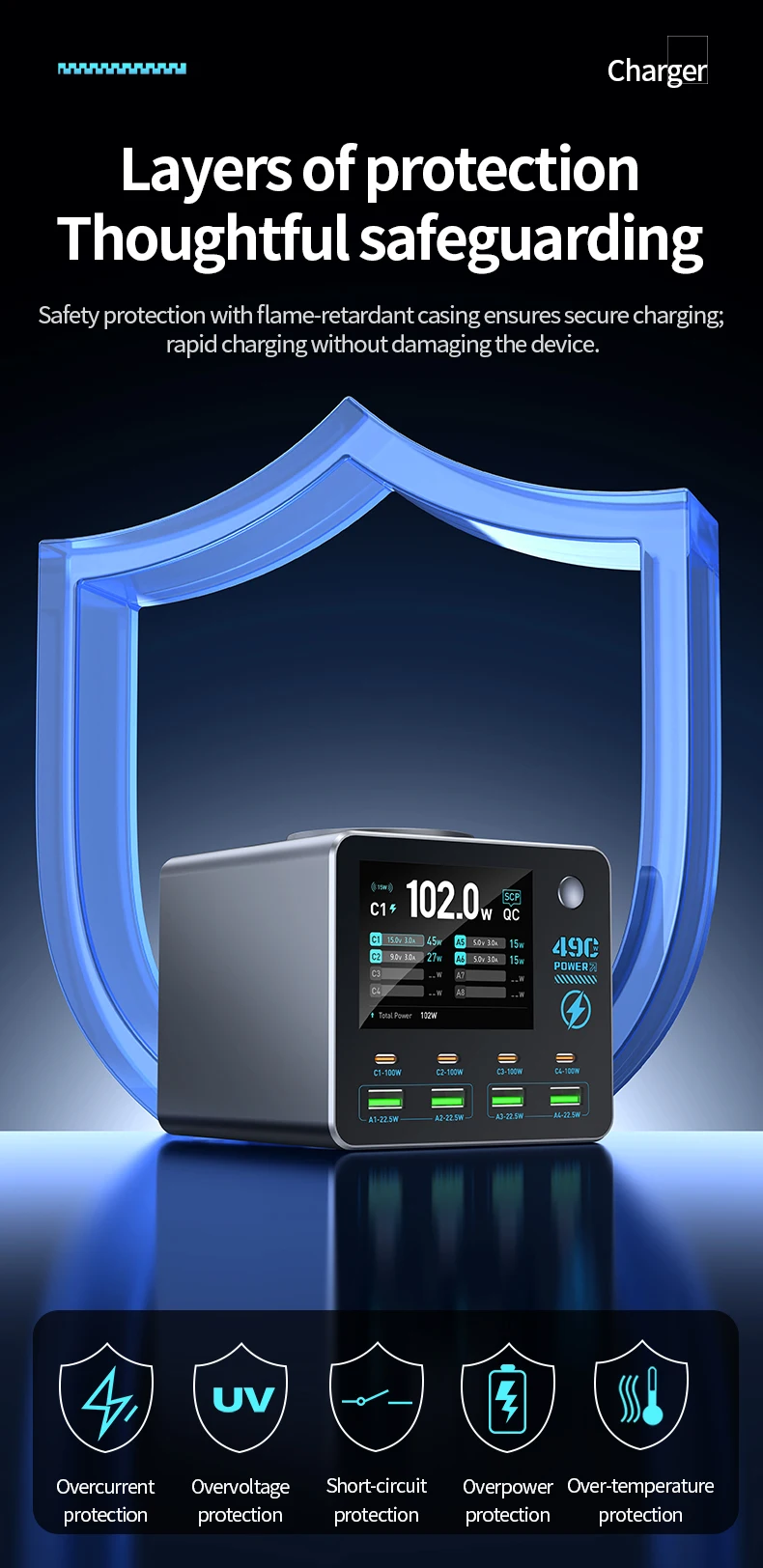
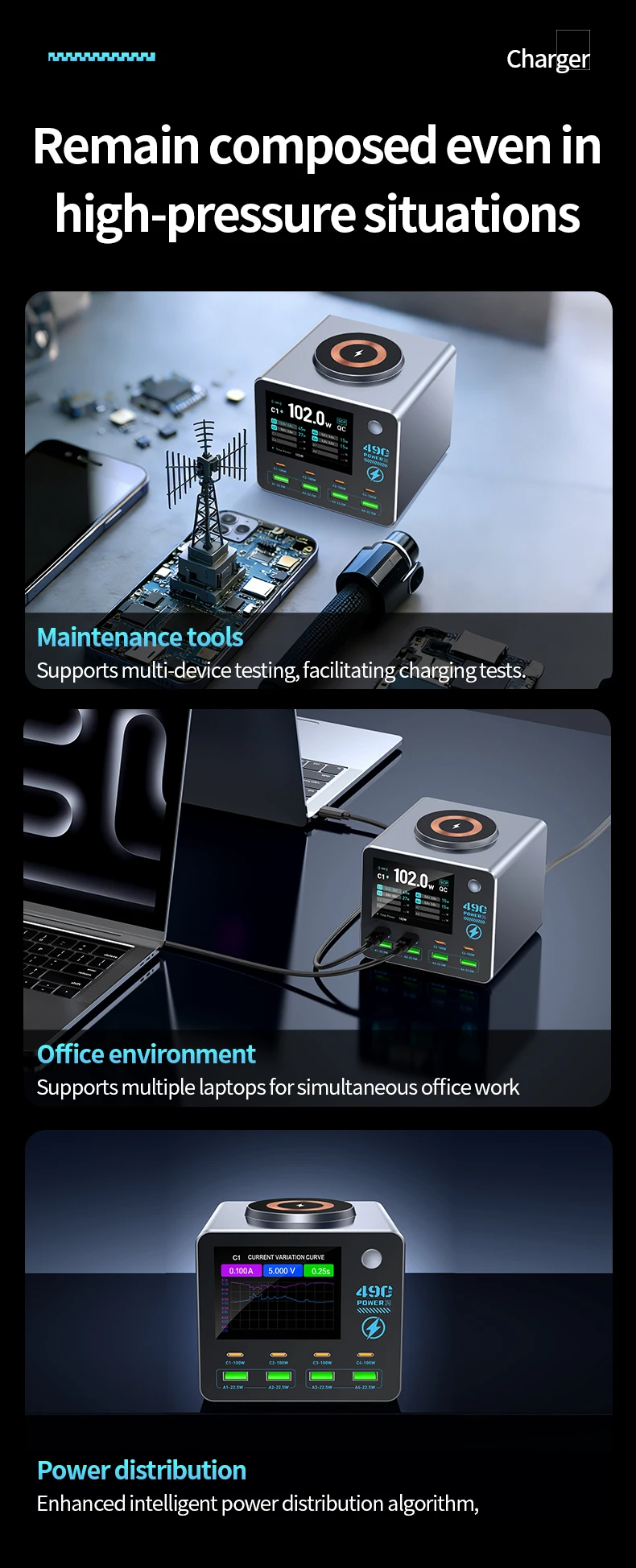
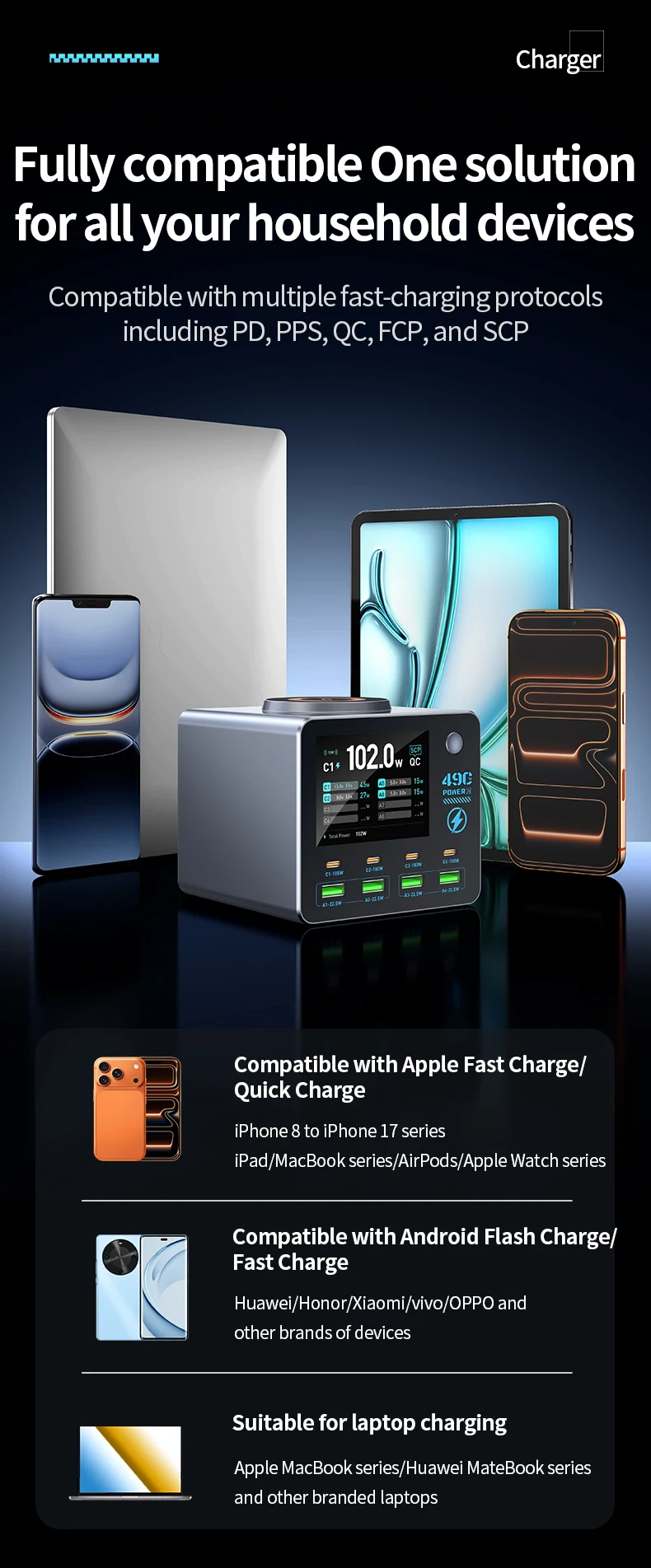
This product is a multi-port, multi-functional desktop display charger. It features 4 USB-C ports, 4 USB-A ports, and 1 wireless charging coil. With a total output power of 140W from the switching power supply, the product can quickly charge electronic devices such as laptops, tablets, smartphones, digital cameras, Bluetooth speakers, wireless headphones, and MP3 players. It is also ideal for scenarios where multiple people or devices need to be charged simultaneously, such as offices, conference rooms, cafes, homes, content creators’ studios, live streaming studios, e-commerce studios, enterprises and public institutions, security companies, and gaming studios.
Smart Power Output Distribution
Output:
1. PD1/PD2/PD3/PD4 ports: PPS: 3.3–21 V, 5 A; 5 V, 3 A / 9 V, 3 A / 12 V, 3 A / 15 V, 3 A / 20 V, 5 A
Supported Protocols: PD 3.0/Apple/BC 1.2/AFC/FCP/SCP/QC 2.0/QC 3.0/PE+ 1.1/PE+ 2.0
2. A1/A2 Ports: 5V/9V/12V (22.5W Max)
3. A1 + A2 Ports: 5V 1.5A + 5V 1.5A
Supported Protocols: APPLE/BC1.2/AFC/FCP/SCP/QC2.0/QC3.0/PE+1.1/PE+2.0
4. A3/A4 Ports: 5V/9V/12V (22.5W Max)
5. A3+A4 Ports: 5V 1.5A + 5V 1.5A
Supported Protocols: APPLE/BC1.2/AFC/FCP/SCP/QC2.0/QC3.0/PE+1.1/PE+2.0
6. Wireless Charging: 15W
Smart Power Distribution
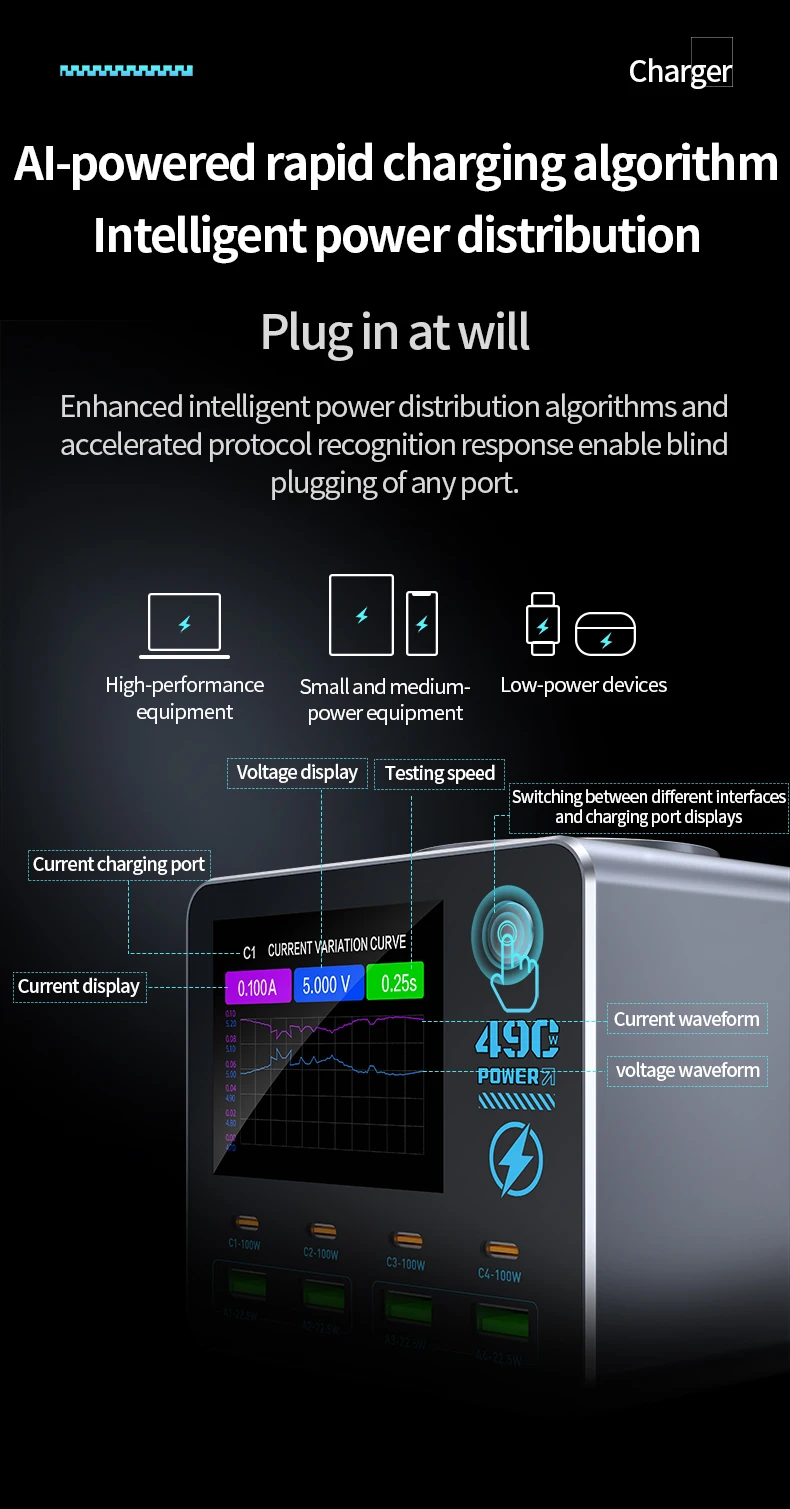
1. Ensures all USB-C, USB-A, and wireless charging ports can fast-charge devices normally while keeping the total output power below 140W
Product Function Operation:
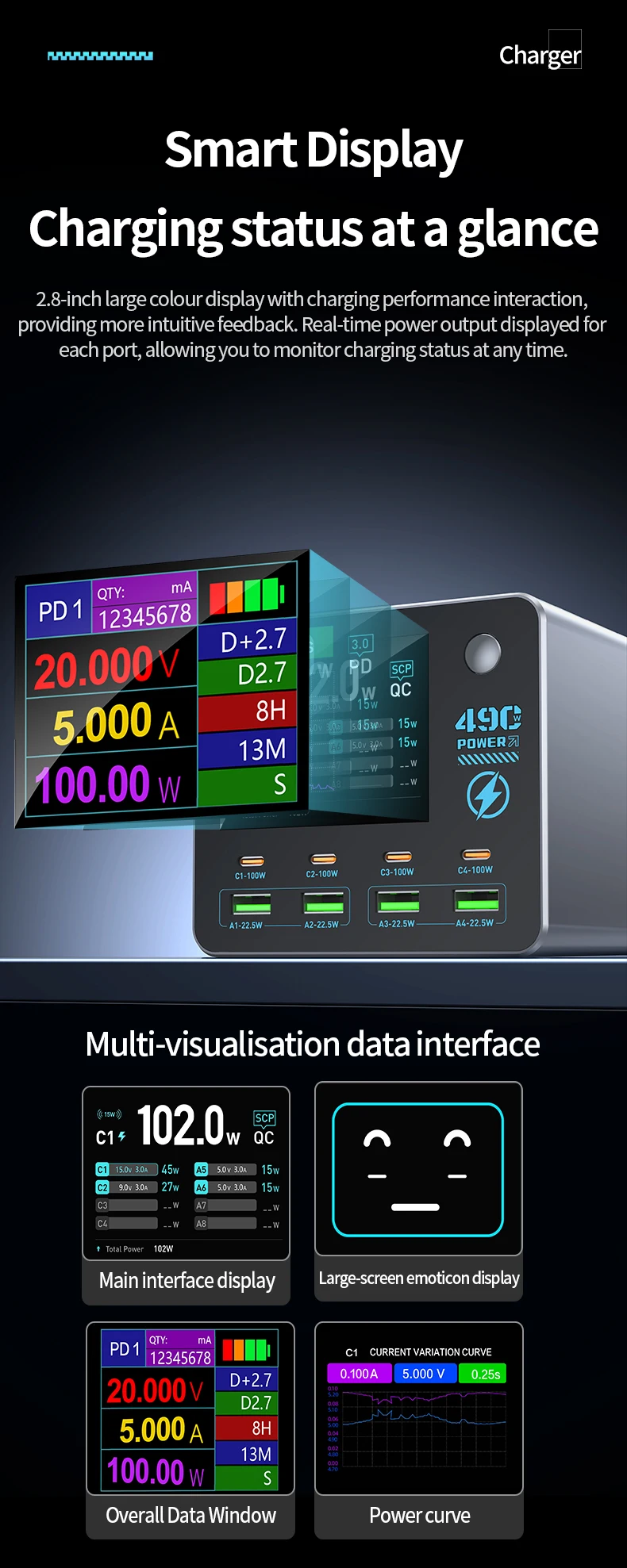
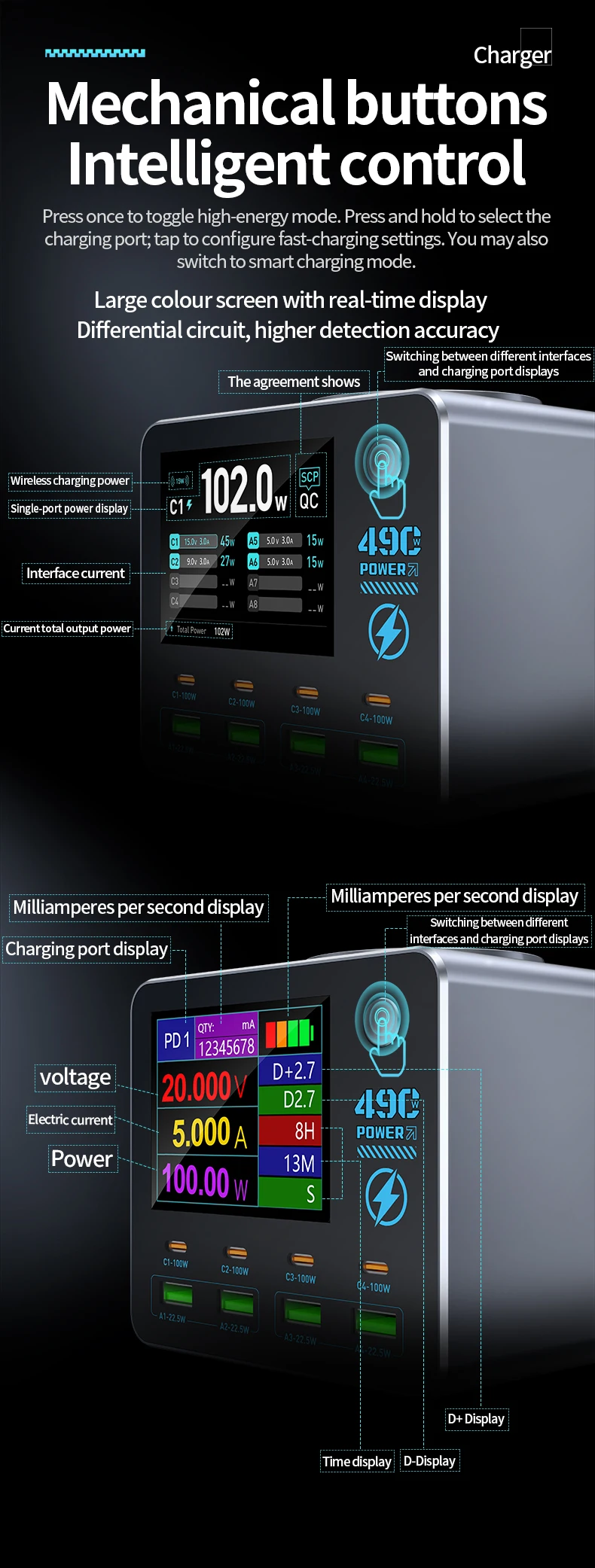
Waveform Interface (Enter/Exit): Press the button twice in quick succession to enter or exit the waveform interface.
Waveform Interface (Switch): Press the button once to switch the display between charging ports (requires two or more devices to be connected).
Waveform Interface V/A (Voltage/Current) Display Switch: Press and hold the button for 3 seconds in the waveform interface to toggle between voltage and current display.
Secondary Interface (Enter/Exit): Press and hold the button for 3 seconds while on the main interface.
Secondary Interface (Switch): While in the secondary interface, press the button once to switch between charging port displays (requires two or more devices to be connected).